Step 4: Listen for State
⏱ 3 minReact to authentication state changes in real-time.
Auth State Changed Event
transcodes.on('AUTH_STATE_CHANGED', (payload) => {
  if (payload.isAuthenticated) {
    console.log('User logged in:', payload.user.email);
  } else {
    console.log('User logged out');
  }
});
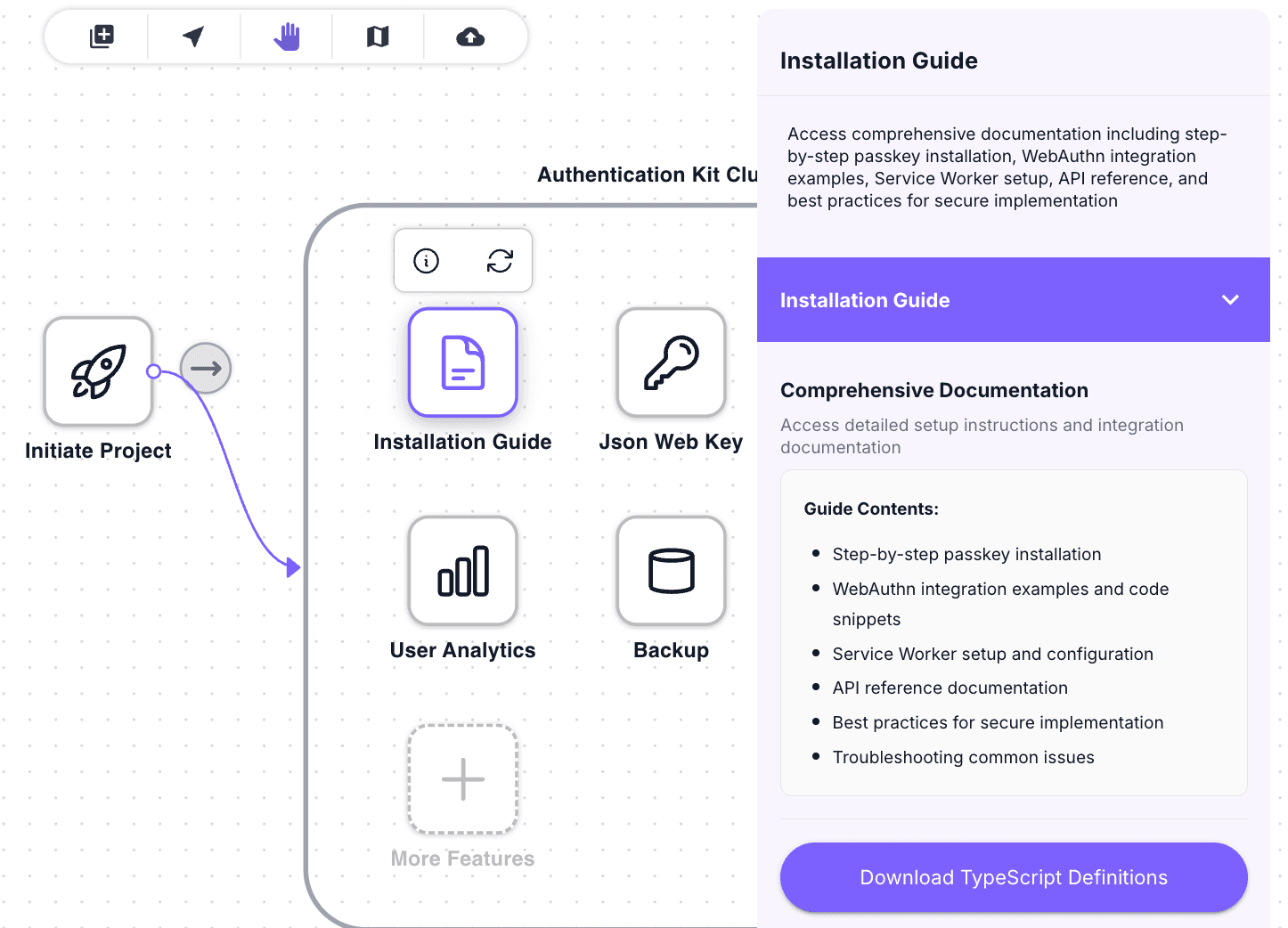
This image shows the TypeScript definitions (.d.ts file) that enable type-safe programming with the framework:
Event Payload
{
  isAuthenticated: boolean;
  user?: {
    id: string;
    email: string;
    createdAt: string;
  };
}
All Available Events
| Event | When Fired | Payload |
|---|---|---|
AUTH_STATE_CHANGED | Login, logout, or initial auth check | { isAuthenticated, user? } |
TOKEN_REFRESHED | Access token automatically renewed | { token } |
TOKEN_EXPIRED | Token expired (before refresh) | { expiredAt } |
ERROR | Authentication error occurred | { error, message } |
Framework Examples
React
import { useState, useEffect } from 'react';

function useAuth() {
const [user, setUser] = useState(null);
const [isAuthenticated, setIsAuthenticated] = useState(false);

useEffect(() => {
const handleAuthChange = (payload) => {
setIsAuthenticated(payload.isAuthenticated);
setUser(payload.user || null);
};

    transcodes.on('AUTH_STATE_CHANGED', handleAuthChange);

    return () => {
      transcodes.off('AUTH_STATE_CHANGED', handleAuthChange);
    };

}, []);

return { user, isAuthenticated };
}

// Usage
function App() {
const { user, isAuthenticated } = useAuth();

return (

<div>
  {isAuthenticated ? <p>Welcome, {user.email}!</p> : <p>Please sign in</p>}
</div>
); }
Check Current Auth Status
async function checkAuth() {
  const isAuth = await transcodes.token.isAuthenticated();

  if (isAuth) {
    const user = await transcodes.token.getCurrentUser();
    console.log('Current user:', user);
  }
}
Sign Out
await transcodes.token.signOut();
// AUTH_STATE_CHANGED event will fire with isAuthenticated: false
What’s Next
Events working! Next: Step 5: Server-Side Integration
Last updated on