Step 1: Create Project
⏱ 3 minCreate your Transcodes project to get your Project ID for SDK integration.
Create Your Project
Sign in to Dashboard
Go to Transcodes Console and sign in or create an account.
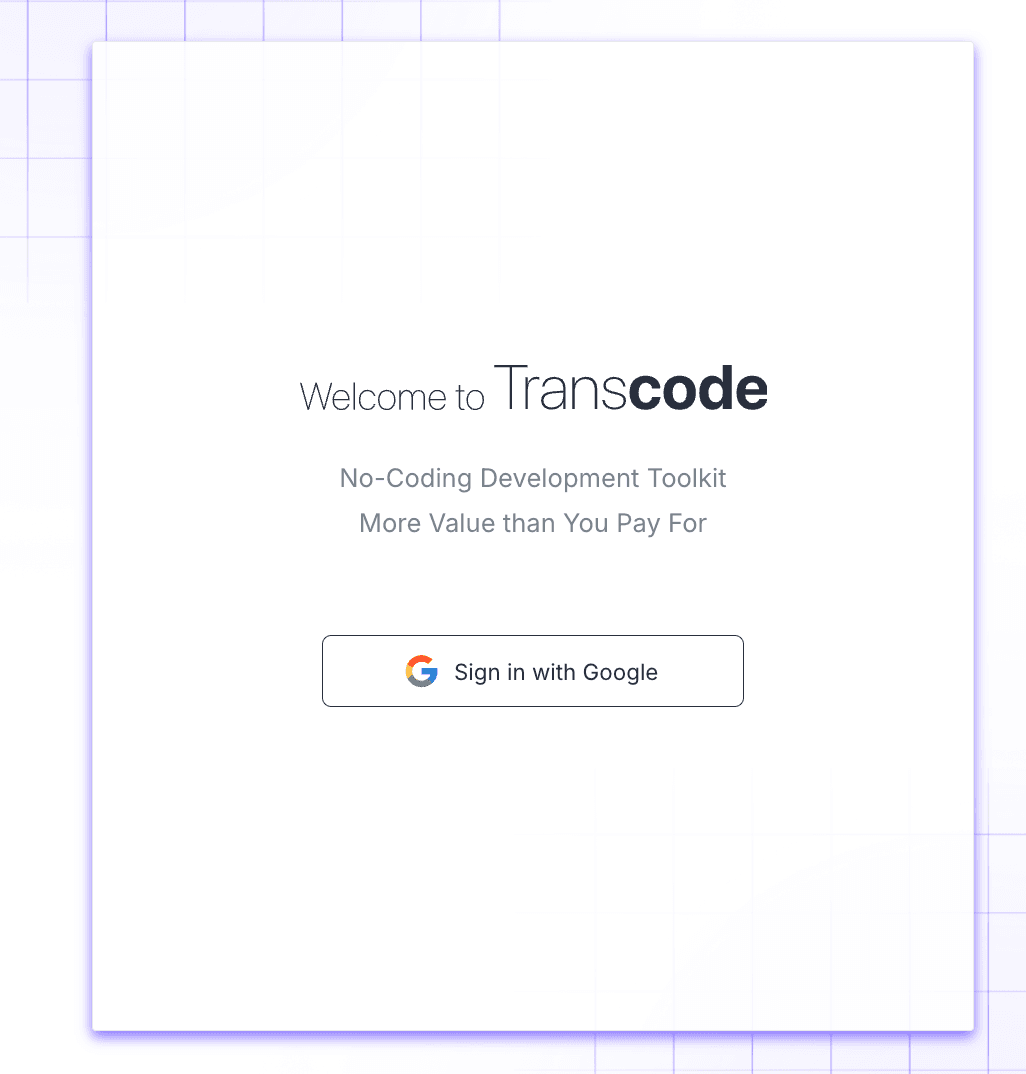
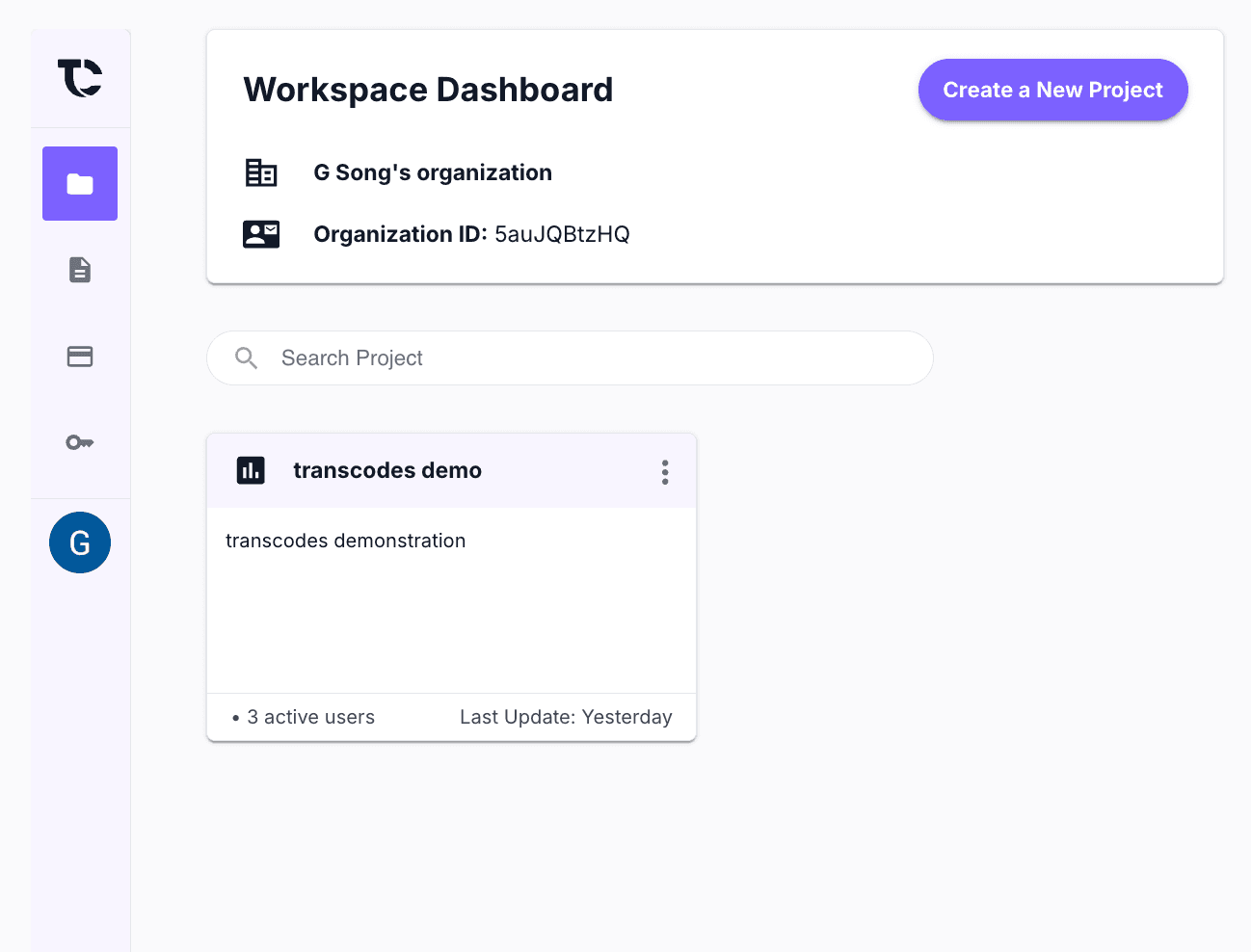
Navigate to Projects
Click on Projects in the sidebar, then click “New Project”.
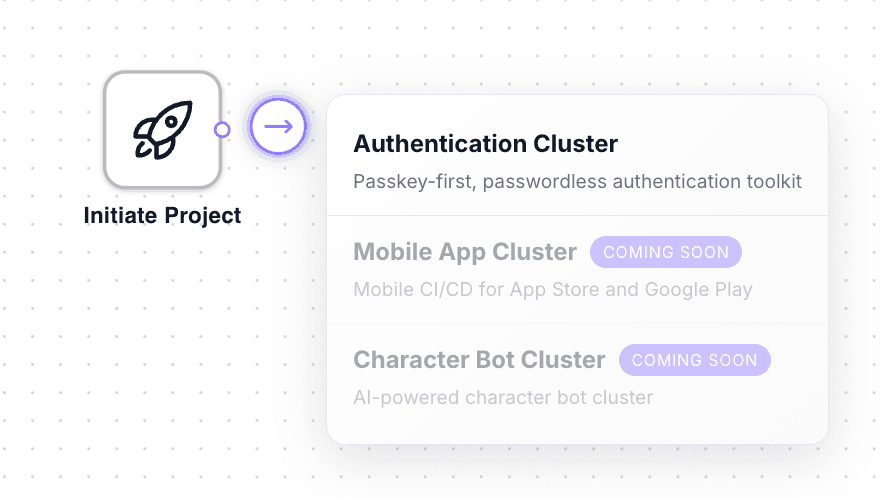
Create New Cluster
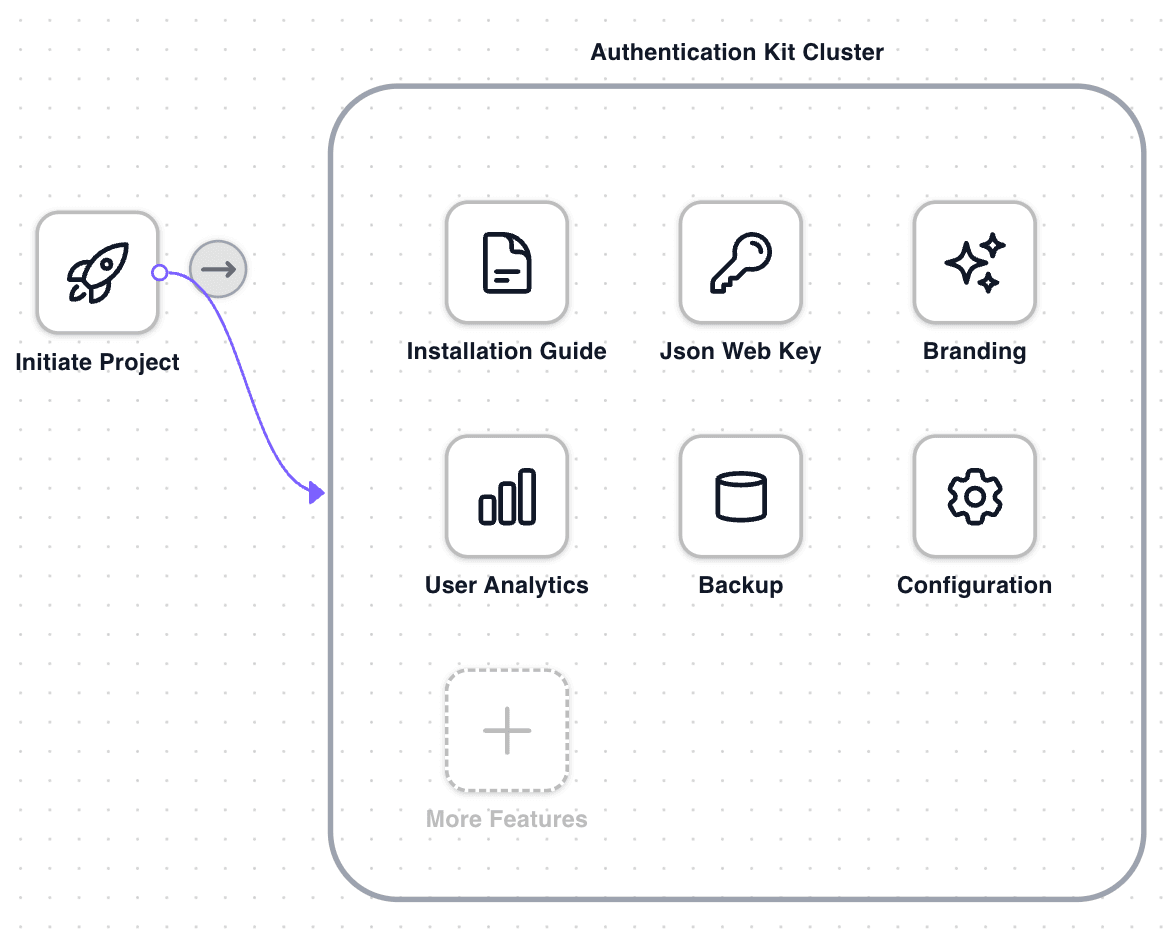
Select or create an authentication cluster for your project.
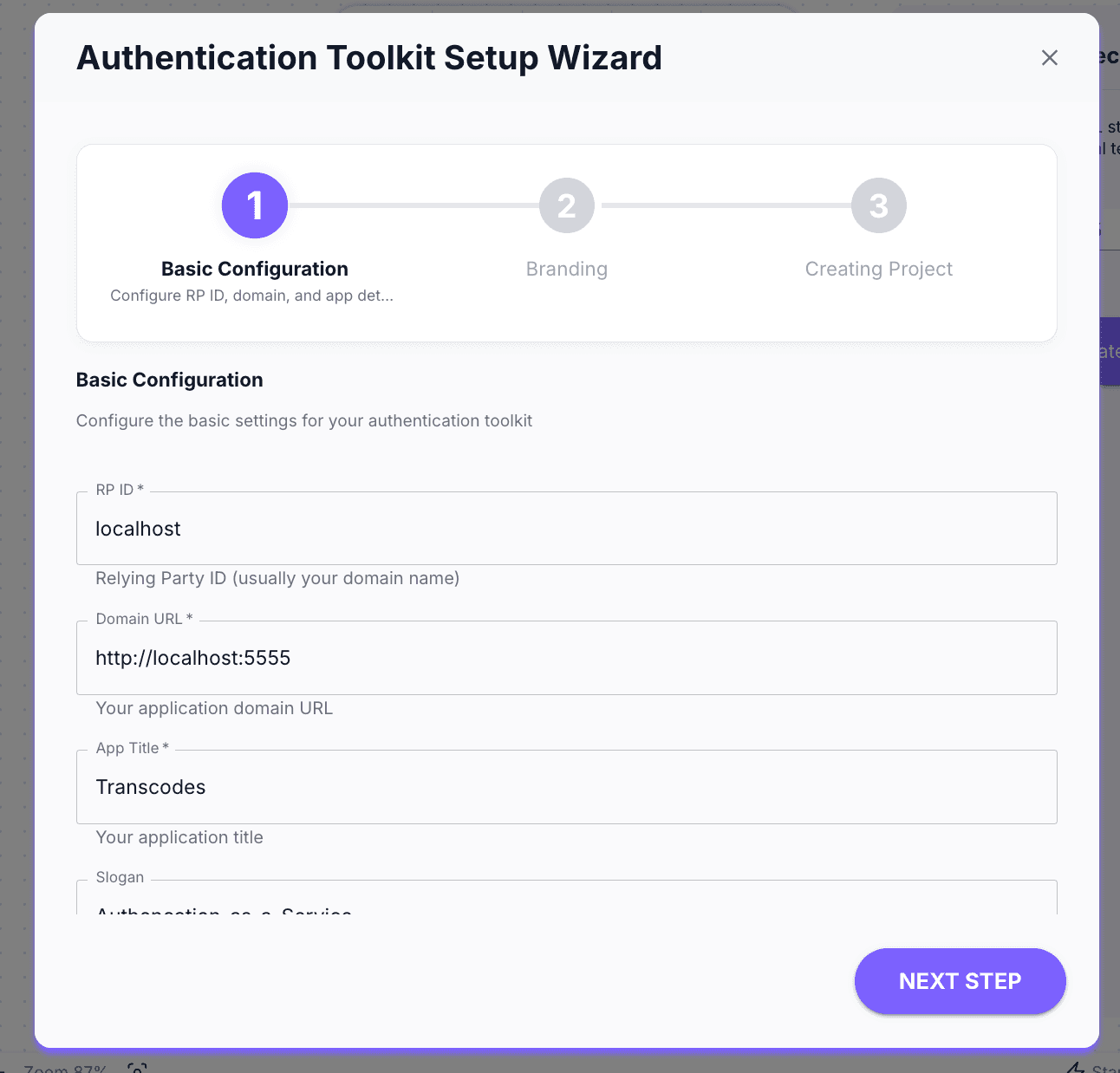
Configure Project Settings
Fill in the project details:
- Project Name: A name to identify your project
- Domain: Your website domain (e.g.,
example.com)
Copy Your Project ID
After creation, copy your Project ID. You’ll need this for the next step.
Project Settings
| Setting | Description |
|---|---|
| Allowed Domains | Domains where authentication is permitted |
| Redirect URLs | URLs for post-authentication redirects |
| Session Duration | How long user sessions remain active |
| Branding | Customize the auth modal appearance |
The SDK only works on domains you’ve authorized in the dashboard.
What’s Next
Project created! Next: Step 2: Import CDN Script
Last updated on